

LinkedIn carousels pull a 6.60% average engagement rate — that is nearly 5x more than video posts and almost 6x more than plain text posts. If you are not running carousels yet, you are leaving the cheapest organic reach on LinkedIn untouched.
But here is the honest catch: making carousels by hand is painful. You are juggling slide dimensions, exporting a clean PDF, formatting headlines, and keeping the visual style consistent across 8–12 slides — then doing it all again next week. By slide six you start cutting corners. By post three you have lost the will to ship.
That is why carousel generators exist. The right tool turns a 90-minute design slog into a 10-minute drafting session. The wrong one buries you in features you will never touch.
So, here I'm sharing some LinkedIn carousel generator that will help you generate carousels easily and efficiently.
Why You Need a Dedicated LinkedIn Carousel Tool
Before the list, a quick reality check on why generic design tools usually fall short.
LinkedIn carousels are technically document posts — you upload a PDF and LinkedIn turns each page into a swipeable slide. Simple on paper, but the format has quirks that catch most people off guard:
- Mobile-first sizing — more than half of LinkedIn users are on mobile, so portrait (4:5) slides outperform square ones because they take up more screen space
- PDF export quality matters — JPG-compressed slides look rough on high-DPI screens
- The hook slide is everything — slide 1 has to stop the scroll in under a second
- Consistency across slides — fonts, colors, and spacing have to lock together, or the carousel looks amateur
Generic design tools handle one or two of these. Dedicated carousel generators handle all of them — and most plug straight into LinkedIn scheduling, AI copywriting, and analytics. That is the real time saving.
If you want the full format walkthrough first, here is my guide on how to create LinkedIn carousel posts that actually get engagement.
1. Carousify — Best All-in-One LinkedIn Carousel Generator
Carousify is is built specifically for LinkedIn — not a Swiss-army-knife design suite that also happens to do carousels. That focus is the whole point.
Where most tools stop at design, Carousify owns the entire carousel-to-publish flow inside one dashboard: AI-assisted copy, ready-made templates, brand kits, PDF export, scheduling, post analytics, and multi-account management for agencies and freelancers.
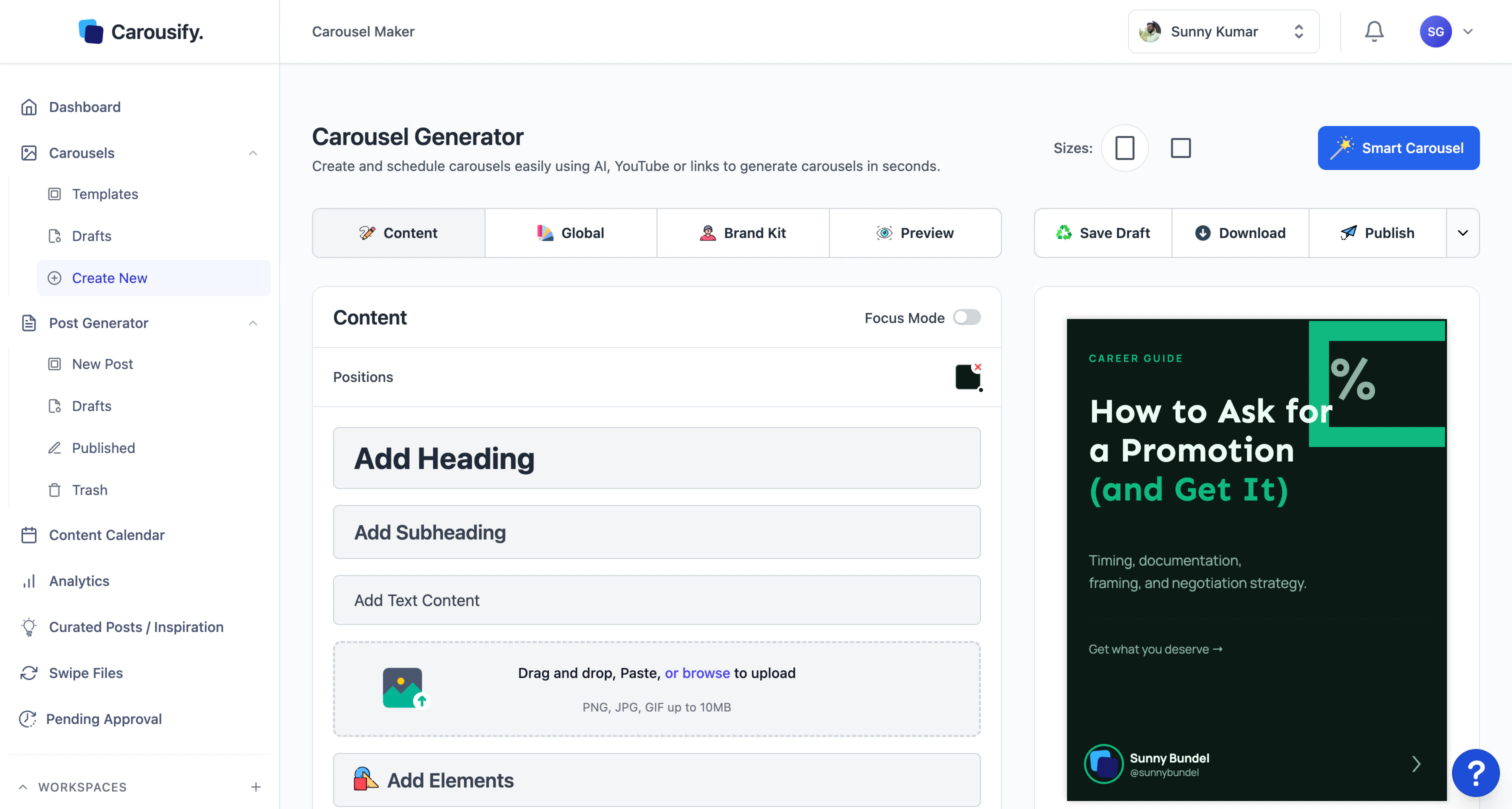
What Carousify does well:
- AI carousel writer — feed it a topic or a rough outline and it drafts the full carousel slide by slide. You can also turn a YouTube video, PDF, or article URL straight into a carousel
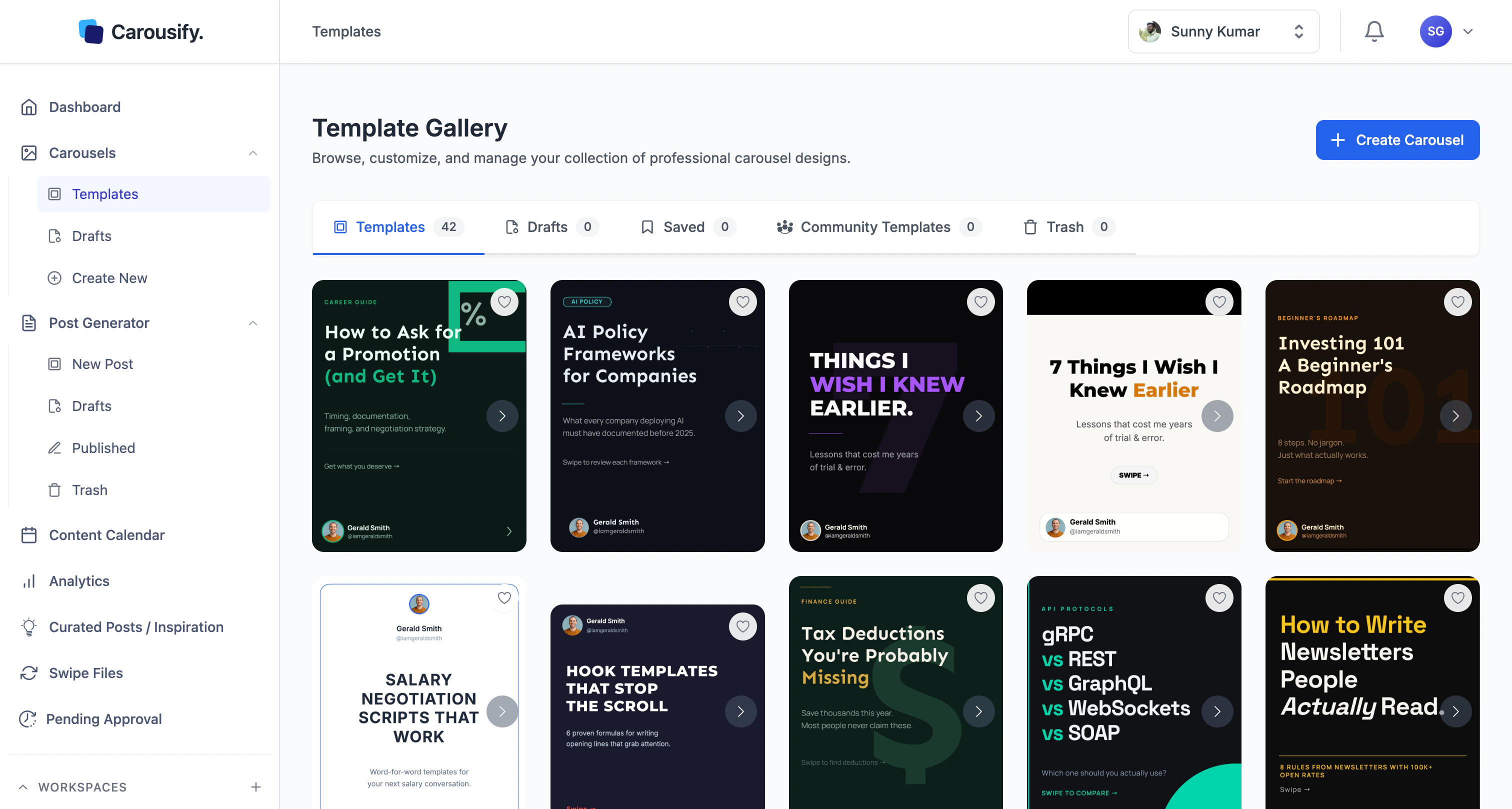
- LinkedIn-native templates — 45+ templates plus a growing community library, all pre-sized for LinkedIn with safe-zone guides, so slides never get cropped on mobile
- Direct LinkedIn scheduling — write, design, and queue your carousel without bouncing between four tabs. Full workflow in our guide to scheduling LinkedIn posts
- Brand kits — lock in your fonts, colors, and logo so every carousel looks like *yours*, not like a template everyone else is using
- Per-carousel analytics — actual carousel-level engagement, not just raw post metrics dumped into a chart
- Affordable — the solo plan starts around $19/month, with agency tiers that scale across multiple workspaces
The AI writer is the part most people underestimate. A lot of "AI carousel" tools just paste a wall of GPT text across slides. Carousify drafts a hook slide, breaks the body into one idea per slide, and closes with a CTA — which is how high-performing carousels are structured in the first place.
Where it falls short:
Carousify is laser-focused on LinkedIn. If you want to repurpose the same carousel for Instagram, X, or Facebook, you will need to re-export at different aspect ratios manually. For some creators that is a dealbreaker. For LinkedIn-first creators, the single-platform focus is exactly why it works so well.
Best for: B2B creators, founders, freelancers, ghostwriters, and small agencies who post 2–5 LinkedIn carousels a week and want one clean tool that handles design, AI copy, and scheduling without the friction.
My take: If you are serious about LinkedIn carousels and want one tool that owns the full workflow, start with Carousify.
2. Canva
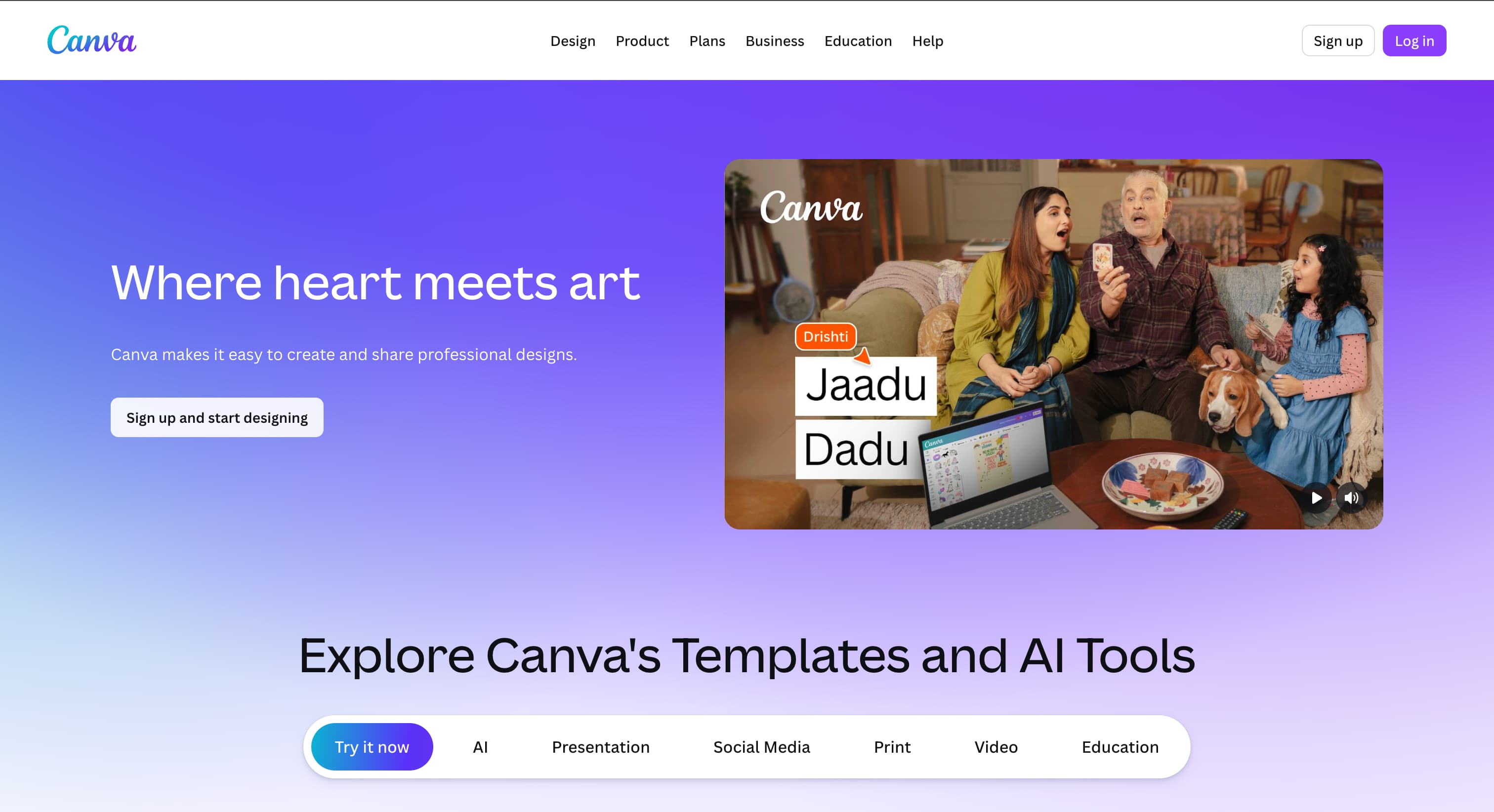
Canva needs no introduction. It is the design tool nearly everyone has used at some point, and the LinkedIn carousel templates are genuinely good — clean typography, modern layouts, and endless customization.
What Canva does well:
- Massive template library — thousands of LinkedIn-specific carousel templates, many of them free
- Brand Kit (paid) — lock in brand fonts, colors, and logos across all designs
- Magic Resize — turn one carousel into Instagram, X, and Facebook formats in a couple of clicks
- Team collaboration — multiple editors, comments, and approvals on the paid plans
- Built-in stock — photos, illustrations, and icons that are actually decent
Where Canva falls short for LinkedIn carousels:
- No LinkedIn scheduling — you design in Canva, export the PDF, then hop to Buffer, Hootsuite, or Carousify to publish
- No real carousel AI writer — Magic Write is generic; it will not draft a 10-slide hook-to-CTA carousel the way a dedicated tool does
- PDF export quirks — some templates export with white margins that look odd in the mobile feed, so you have to triple-check
- Not LinkedIn-native — you are doing more manual work to hit LinkedIn-specific best practices
Pricing: Free plan available. Canva Pro is around $15/month (or $120/year). Teams starts at roughly $10/user/month with a 3-seat minimum.
Best for: Designers and small business owners who already live inside Canva for other content and just want to add carousels without learning a new tool.
3. Figma
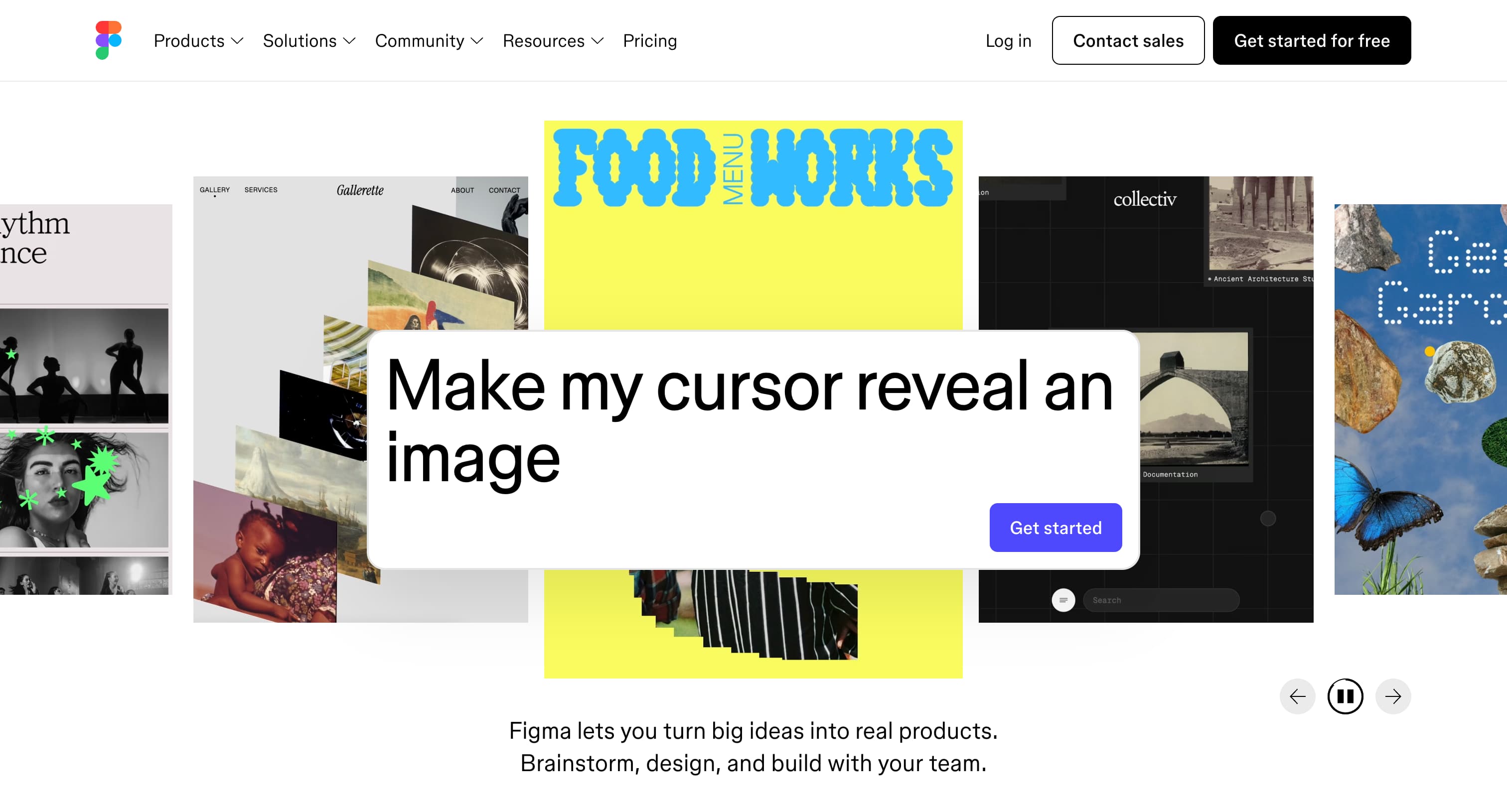
Figma is the tool of choice for product designers and agencies who want pixel-perfect control over every element of a carousel.
Why Figma works for LinkedIn carousels:
- Component-based design — build a master slide once, swap content across slides in seconds
- Auto-layout — text and frames adjust automatically when copy length changes
- Free for individual use — the free plan covers everything you need to make carousels
- Plugin ecosystem — carousel and Unsplash plugins speed up production
- Total control — anyone serious about visual branding will appreciate how granular it gets
Where Figma falls short:
- Steep learning curve — if you have never used Figma, expect 4–6 hours just to get comfortable with frames, components, and auto-layout
- No scheduling, AI, or analytics — Figma is purely design. You will layer 2–3 other tools on top to post and track
- Export tuning — PDF export is there, but you will fiddle with settings to match LinkedIn's preferred quality
- Slow for batch work — making 8 carousels a week in Figma is genuinely tiring compared to a template-based tool
Pricing: Free for individuals. Paid seats start around $15/editor/month.
Best for: Designers and design-led agencies who care about every pixel and want their carousels to look distinct from the standard template look.
4. Taplio
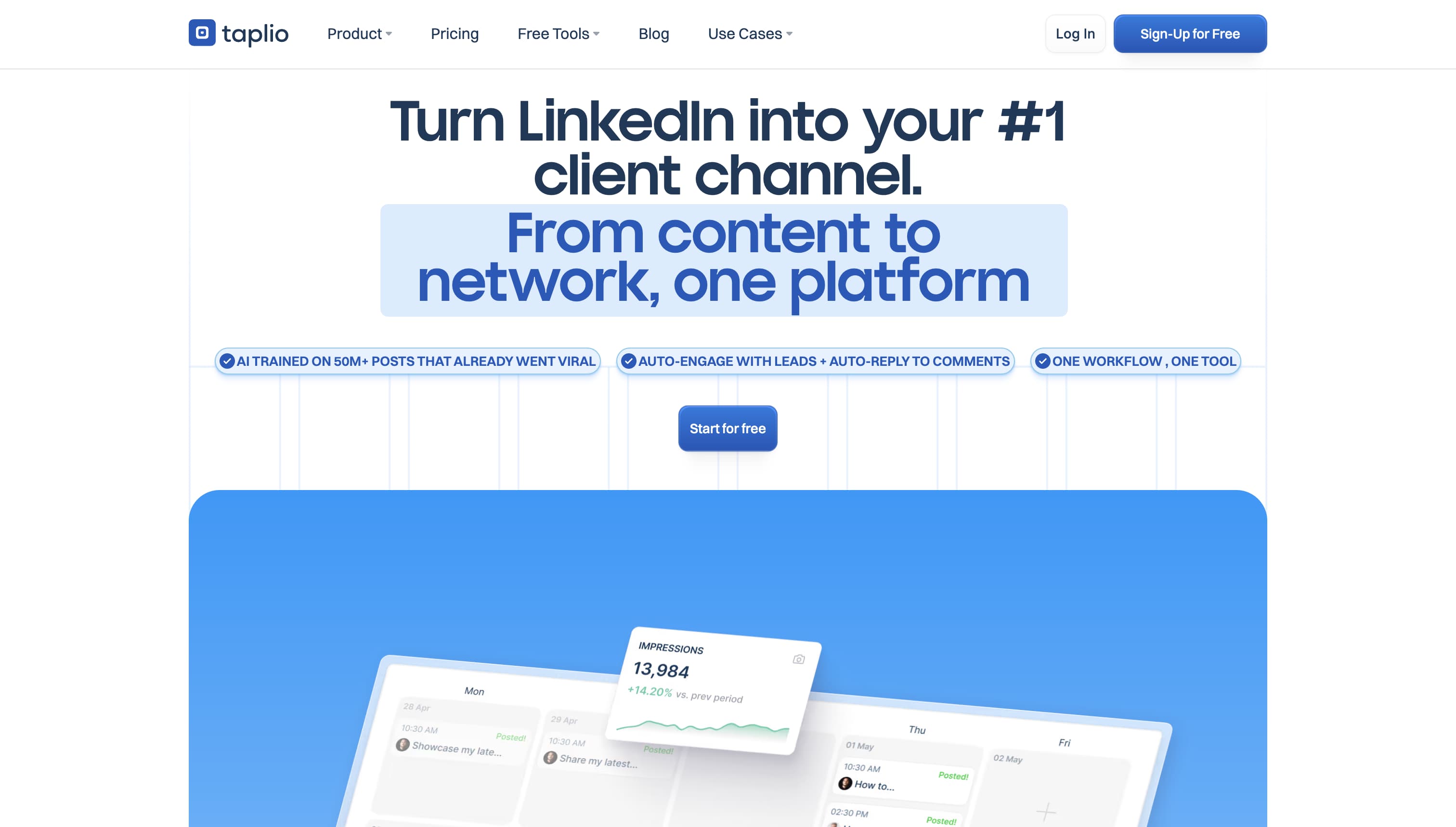
Taplio is positioned as a full LinkedIn growth platform — content scheduling, AI post ideas, lead generation, analytics, and carousel creation in one suite.
What Taplio does well:
- AI post and carousel generator — feed it a topic and it drafts LinkedIn posts and carousels in your voice
- Viral content library — surfaces high-performing posts in your niche so you can model what already works
- CRM and lead-gen layer — track engagers, find ideal-customer-profile leads, and run outreach (genuinely impressive)
- Scheduling and analytics baked in
- Carousel maker — included, with a small but workable template set
Where Taplio falls short:
- Carousels are a side feature — Taplio is primarily a LinkedIn growth and CRM tool. The carousel maker works, but it is not as polished or template-rich as Carousify or Canva
- Pricing is steep, and the entry plan is thin — the Starter plan is around $39/month but ships with zero AI credits. To actually use the AI writer and carousel AI, most people end up on the Growth tier (about $65/month), with Pro at $199/month
- Overkill if you only need carousels — if you are not using the lead-gen, CRM, and AI post features, you are paying for tools you do not need
Best for: Sales reps, founders, and B2B marketers who want a full LinkedIn growth stack and treat carousels as one piece of a bigger content-plus-outreach machine.
5. Contentdrips
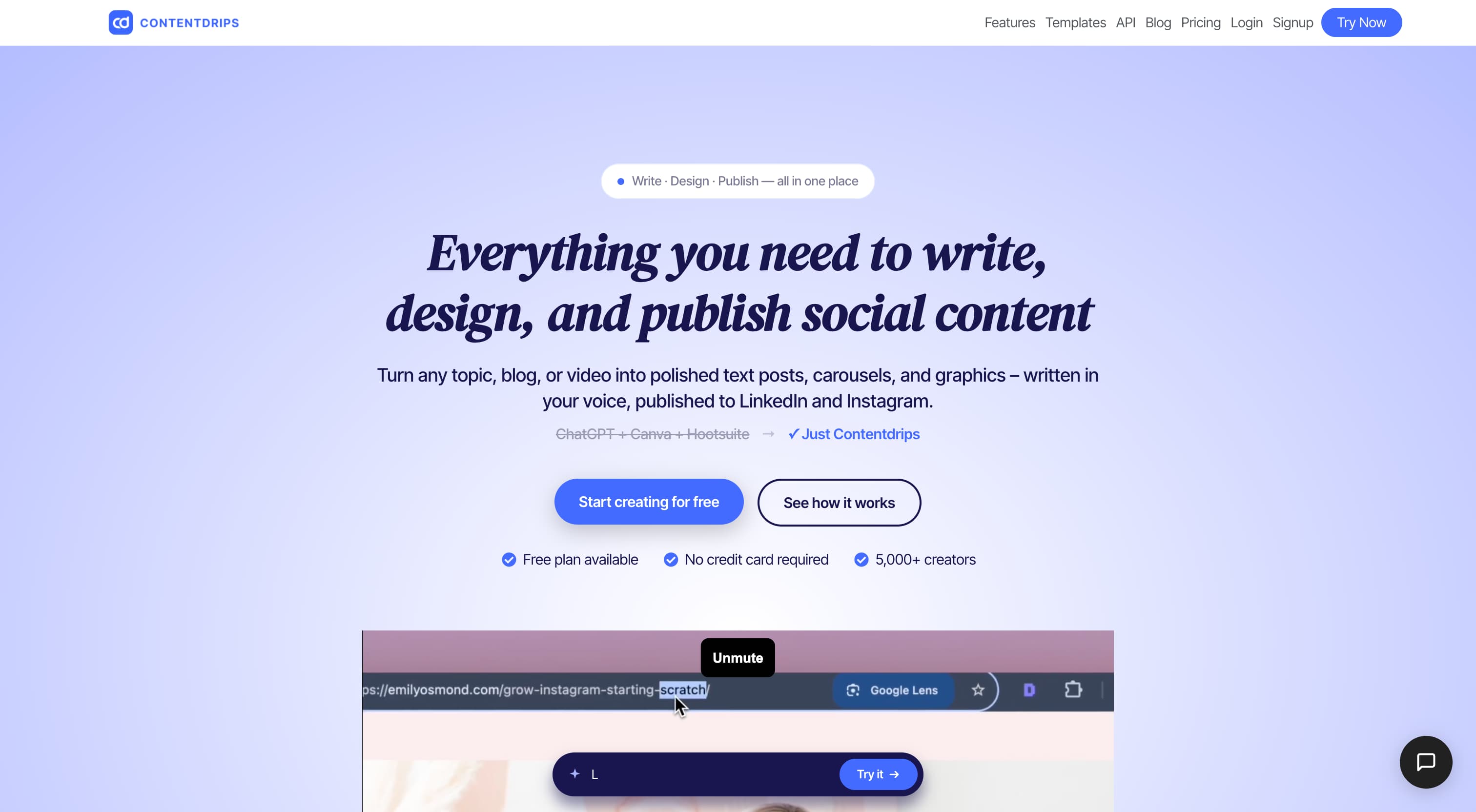
Contentdrips is a carousel-first tool built for creators and agencies who pump out branded graphics consistently. Its standout trick is producing on-brand carousels in bulk without re-designing every time.
What Contentdrips does well:
- AI carousel generator — turn a topic, blog URL, or YouTube link into a structured carousel in seconds
- Brand kit that actually sticks — upload your fonts, colors, and logo once and every template applies them automatically
- Bulk CSV generation — create a batch of carousels from a spreadsheet, which is a real time saver for agencies
- Direct LinkedIn publishing — available on paid plans, so you skip the manual download-and-upload step
- 500+ templates for LinkedIn and Instagram
Where Contentdrips falls short:
- Design ceiling — it is template-driven, so you will not get Figma-level custom layouts
- Analytics are light — it is built for production, not for deep per-carousel performance tracking
- You will recognize the templates — popular layouts show up across a lot of feeds
Pricing: Free plan with 50 AI credits. Starter is around $15/month (about $12/month billed annually); the Pro/Teams tier is around $26/month (about $21/month annually) with unlimited credits.
Best for: Agencies, ghostwriters, and high-volume creators who need consistent, on-brand carousels in batches without touching a real design tool.
6. Supergrow
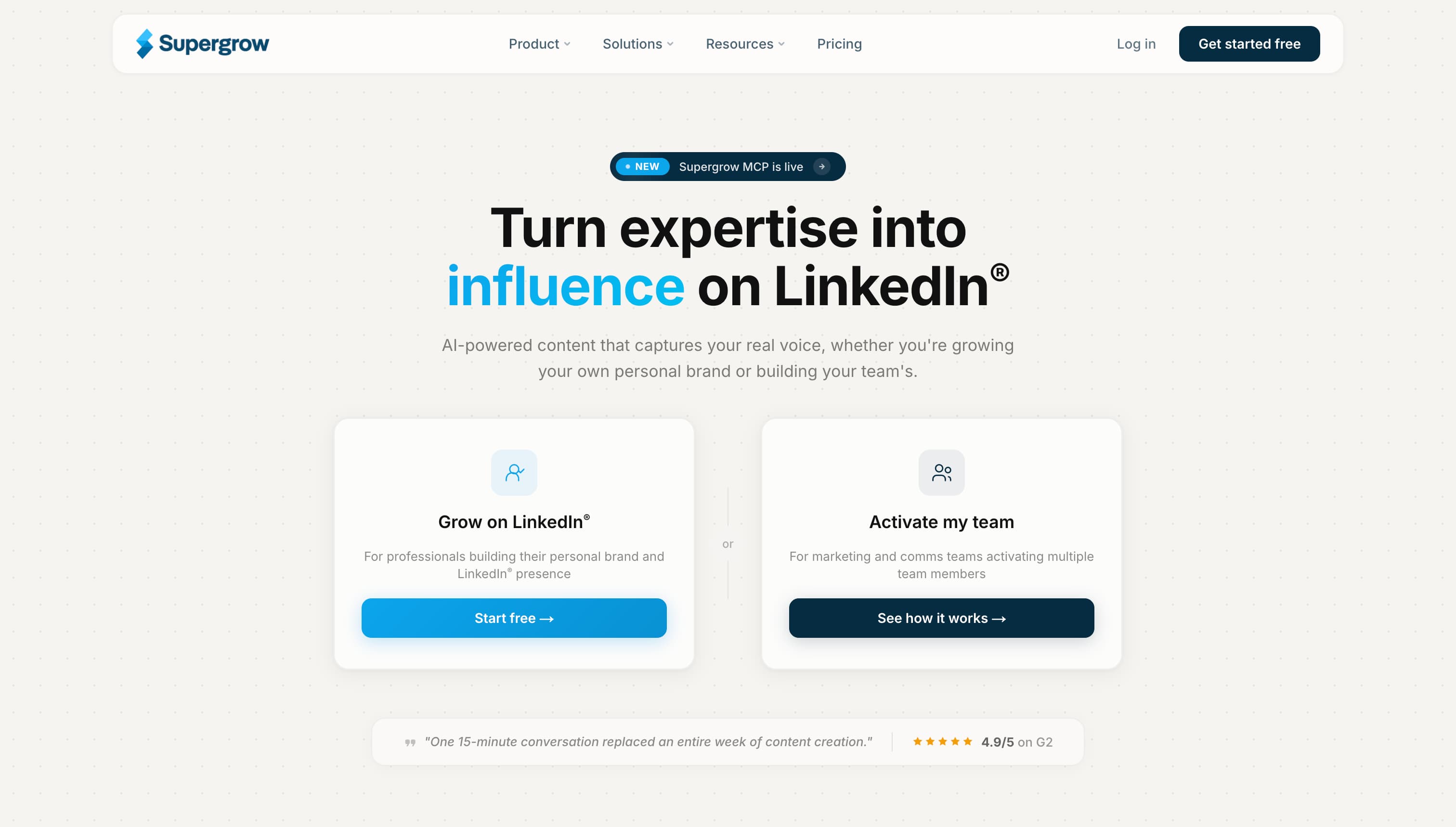
Supergrow is a full LinkedIn content tool — AI writing, scheduling, engagement, and carousels — that lands at a noticeably lower price than Taplio. If you want the all-in-one approach without the premium bill, this is the one to look at.
What Supergrow does well:
- Strong AI writing — multiple tone options and content repurposing, plus a "PostCast" feature that interviews you with questions and turns your answers into formatted posts
- Text-to-carousel — a no-Canva carousel workflow with professional templates and straightforward font, color, and branding controls
- Scheduling and engagement built in
- Client workspaces — the higher tiers support multiple client workspaces with approval flows agencies actually need
- Friendly pricing — clearly cheaper than the premium LinkedIn suites
Where Supergrow falls short:
- Carousels need the Pro tier — the cheapest plan covers AI writing and scheduling, but carousel creation is gated behind the higher plan (around $39/month)
- Carousel design is solid, not best-in-class — fine templates, but not as deep as a carousel-first tool
- Younger product — the polish is improving fast, but it is newer than the established names here
Pricing: Starter around $19/month (AI writing and scheduling). Pro around $39/month adds carousels. Annual billing knocks both down meaningfully.
Best for: Solo creators and small teams who want one affordable tool for posts, scheduling, and carousels, and do not need a full CRM layer.
7. aiCarousels
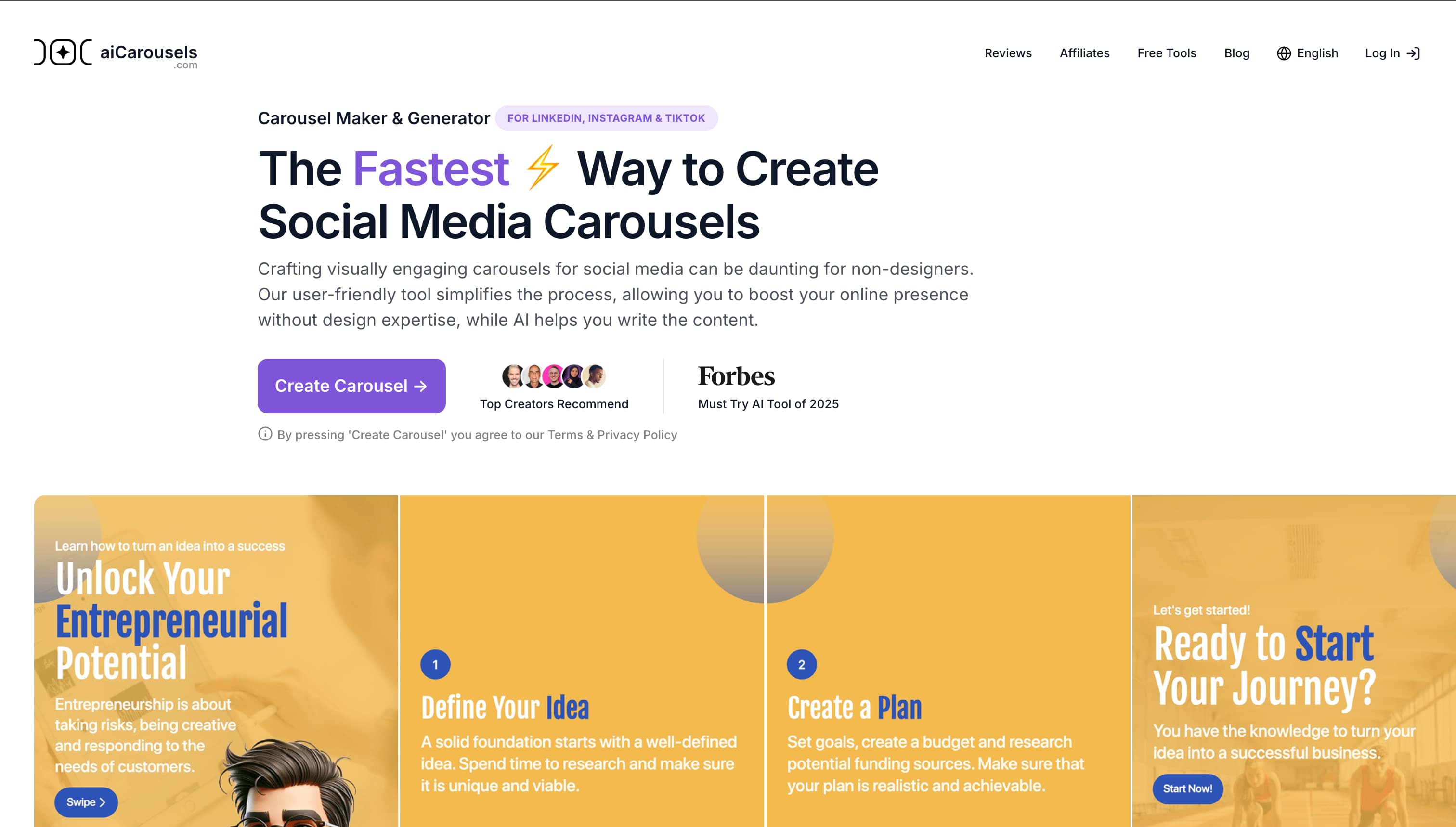
aiCarousels is exactly what it sounds like: a focused, AI-first generator that turns a topic prompt into a full LinkedIn carousel in under a minute.
What aiCarousels does well:
- AI-first workflow — type a topic, pick a template, and it drafts every slide automatically
- Repurposing engine — paste a blog URL and it summarizes the article into a carousel
- Multi-platform export — LinkedIn, Instagram, and TikTok formats supported
- Affordable — free tier with limited generations; paid plans start around $19/month
- Beginner-friendly — almost zero learning curve
Where aiCarousels falls short:
- Limited template variety — decent free templates, but you will see the same designs across creators
- AI quality varies — some carousels come out great; others need real editing on the hook and CTA slides
- No LinkedIn scheduling — design and export only, so you still need a separate scheduler
- No brand kits on the free plan — you reset fonts and colors every time unless you upgrade
Best for: Beginners, students, and infrequent posters who want to test the carousel format without committing to a paid tool.
8. PostNitro
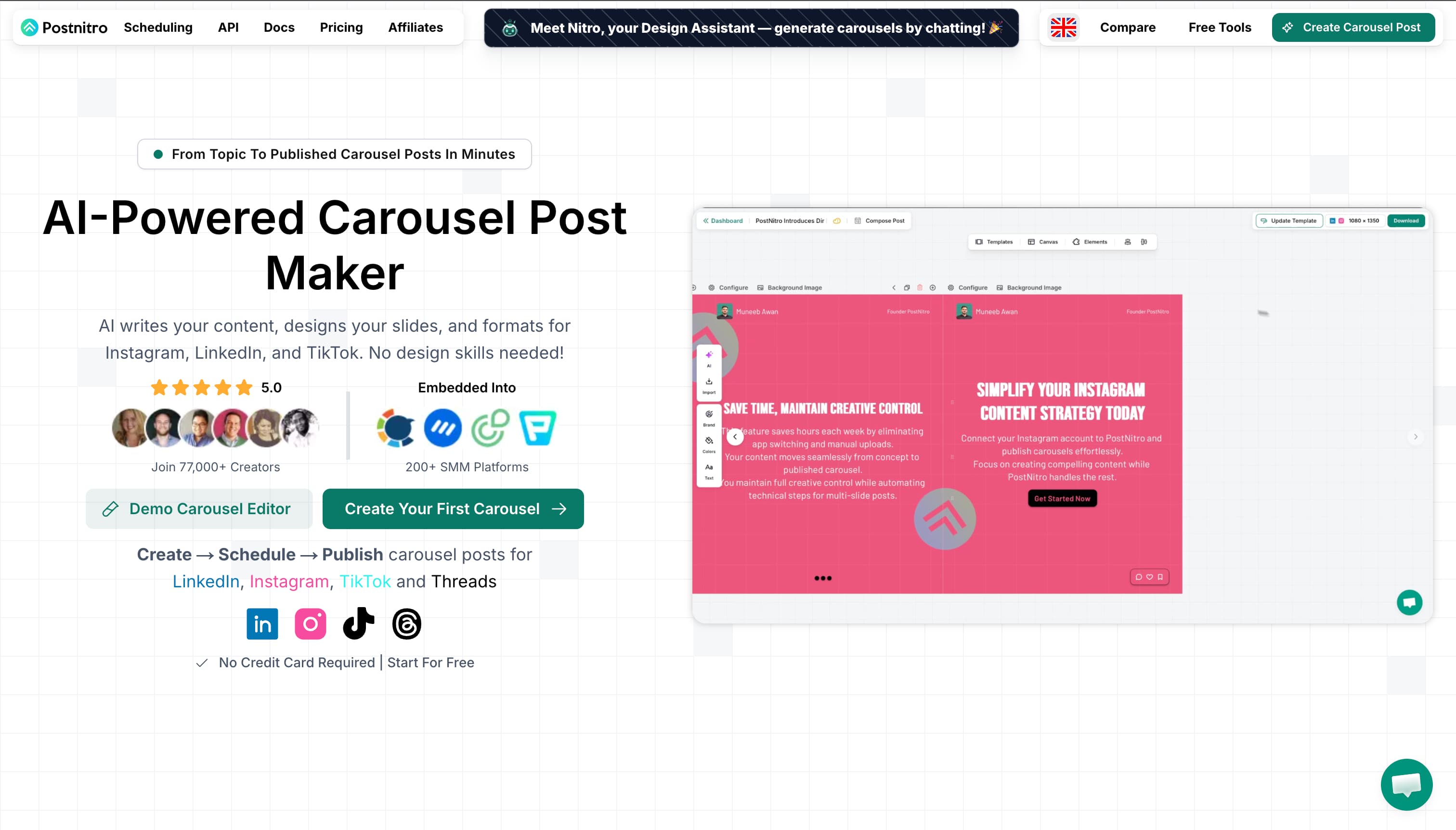
PostNitro is an AI carousel generator built for people who post across several platforms, not just LinkedIn. If your carousels need to land on LinkedIn, Instagram, and beyond from one draft, it is worth a look.
What PostNitro does well:
- AI carousel generation — turn a topic or idea into a customizable, brand-aligned carousel in minutes
- Multi-platform output — LinkedIn, Instagram, and other formats from a single design
- Brand customization — apply your colors, fonts, and logo across the set
- Beginner-friendly — quick to learn, quick to ship
- Free tier — enough to test the workflow before paying
Where PostNitro falls short:
- Not LinkedIn-native — it spreads its attention across platforms, so it does not nail LinkedIn-specific best practices the way a focused tool does
- No real scheduling or analytics layer — it is a generator, not a full publishing stack
- Design depth — fine for templated carousels, limited for fully custom work
Best for: Creators and small brands who repurpose the same carousel across LinkedIn and Instagram and want one AI tool to cover all of it.
Frequently Asked Questions
Are LinkedIn carousels still worth it in 2026?
Yes, more than ever. Carousels still hold a 6.60% average engagement rate, far above text or video posts. LinkedIn's algorithm rewards swipe-through engagement, so every slide flip counts as a positive signal. Organic reach is down across most formats, but carousels have bucked the trend.
How long should a LinkedIn carousel be?
Aim for 6–12 slides. Under 6 feels skippable; over 12 sees a sharp drop in completion rate. The sweet spot for most high-performing carousels is 8–10 slides — long enough to deliver value, short enough that people swipe to the end.
Do I need to know design to make a LinkedIn carousel?
No. With a tool like Carousify or Canva, the design heavy lifting is templated. You are swapping text and brand colors, not designing from scratch. If you want pixel-level control, that is where Figma comes in — but it is not required.
What size should a LinkedIn carousel be?
Use 1080×1350 px portrait (4:5) for the most screen space on mobile, or 1080×1080 px square if you prefer. Export as a PDF — LinkedIn converts each page into a swipeable slide. Full details in my LinkedIn carousel guide.
Summing Up
The LinkedIn carousel format is not going anywhere. As organic reach shrinks on every other format, carousels are the one place creators are still pulling outsized engagement — and the gap between people using the right tool and people grinding through manual design only keeps widening.
All eight tools above are solid. But for LinkedIn creators specifically, Carousify is the one we would put first. It is the only option here that takes you from idea to designed, scheduled, and measured in one place — LinkedIn-native templates, an AI writer that actually understands carousel structure (hook → value → CTA), brand kits, native scheduling, and per-carousel analytics. No bolting three other tools together to get a real workflow.
Canva and Figma are great if you live in a design tool already. But if carousels on LinkedIn are the job, a tool built only for that will beat a tool that does it on the side.