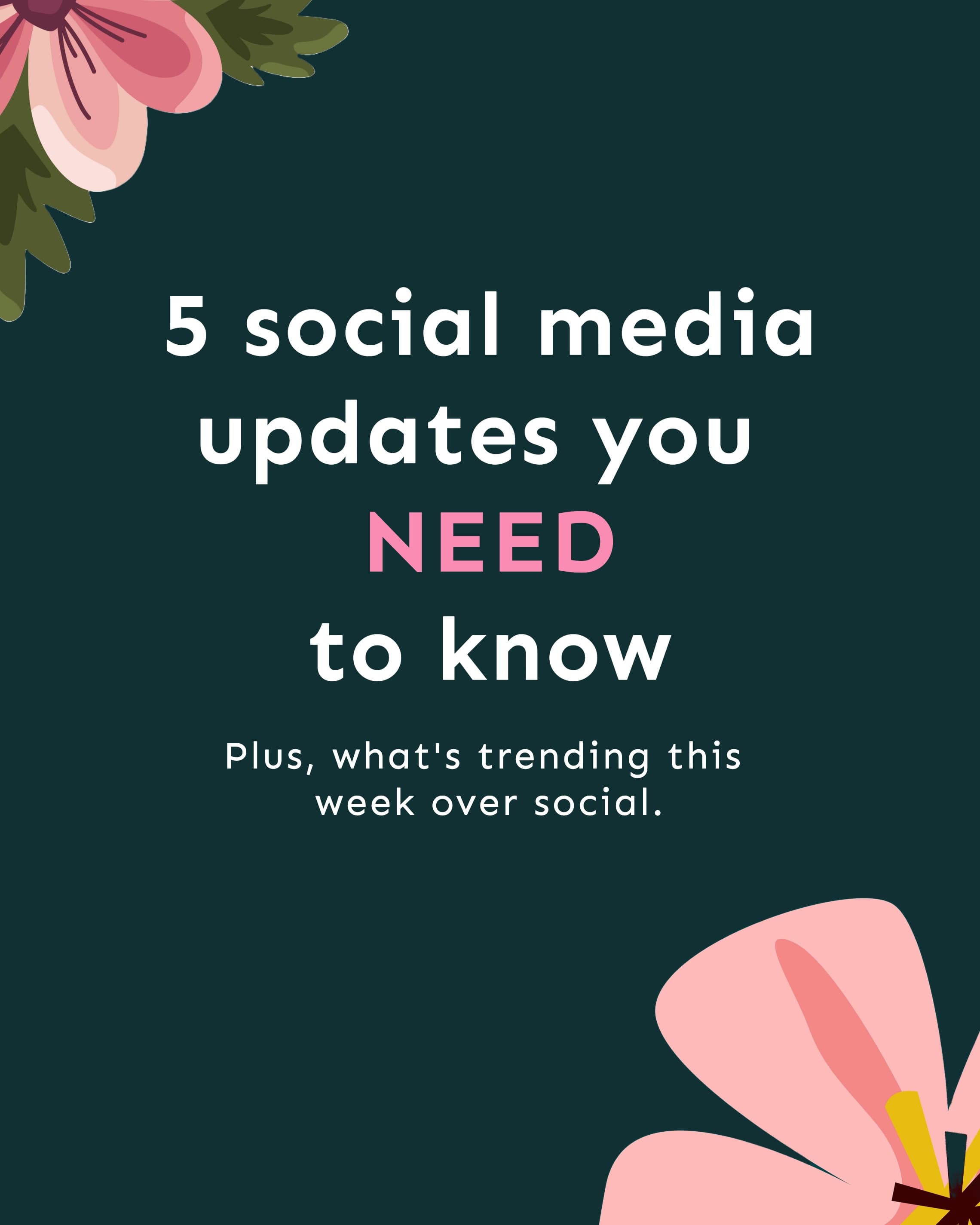
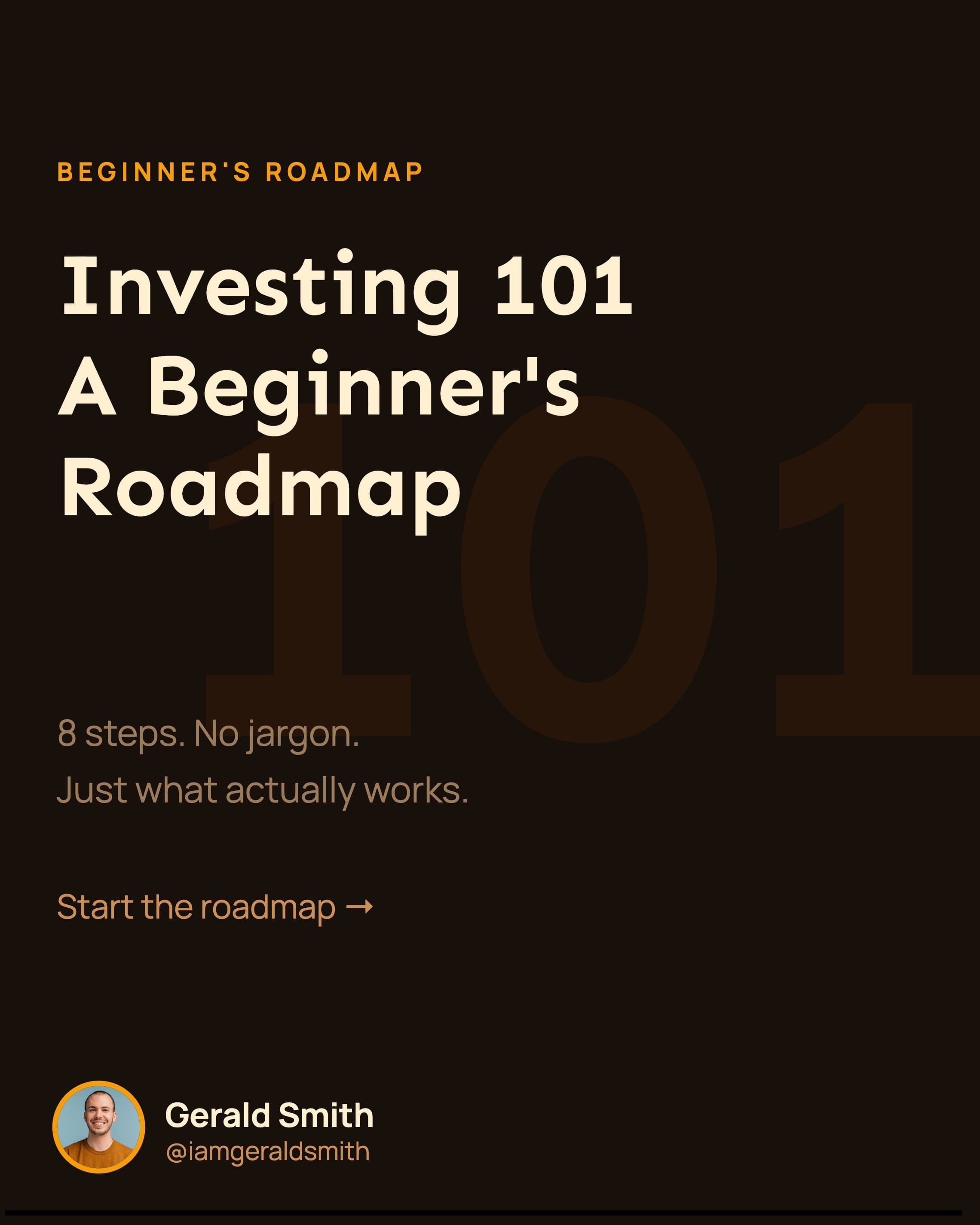
Turn any YouTube video into a carousel
Paste a URL and the AI pulls the hooks and takeaways into swipeable slides your followers save and share.
🔥 Instagram Publishing Has ArrivedRead More
Make scroll-stopping Instagram carousels in minutes. Turn any idea, video, or PDF into perfectly sized slides, then publish or schedule them straight to Instagram.
Most carousel makers hand you a blank canvas. Carousify starts from your idea, a video, or a file, writes every slide with AI, lays it out at the right Instagram size, and publishes it to your account. You stay in control: every slide opens in a drag-and-drop editor where you can change the text, images, colors, and layout before it goes live.
Instagram crops every slide in a carousel to the shape of the first one, so a carousel should use one size from start to finish. Pick a size once and Carousify keeps every slide on it, at 1080 px wide.
1080 × 1350 px
The standard portrait carousel. Fills more of the feed than a square post.
1080 × 1440 px
The tallest option. Matches the 3:4 thumbnails on Instagram profile grids.
1080 × 1080 px
The classic format. Works everywhere, including cross-posting.
Instagram allows up to 20 slides in one carousel, and Carousify's AI can build anywhere from 3 to 20. Most educational carousels work best at 6 to 10 slides: a hook that stops the scroll, one point per slide, a short recap, and a final call to action.
You choose the closing slide: ask people to follow, save the post, visit a link, or check out a product.
Set the tone to Professional, Casual, Bold, Storytelling, or Educational, and choose how much text goes on each slide, from a single line to a full paragraph. Add your brand kit and every slide uses your logo, colors, and fonts, so your grid looks consistent post after post.
Type a topic and the AI writes the hook, the body slides, and the closing slide.
Paste a link and get the key takeaways as swipeable slides.
Turn long reads into short slides your followers save.
Upload .pdf, .ppt, .pptx, .doc, .docx, .txt, or .md files up to 10 MB.
Connect your Instagram professional account (Business or Creator) through Instagram's official login. Carousify is an approved Meta Tech Provider and uses the official Instagram API, so you never share your password. Post a carousel right away or schedule it for later, and Carousify publishes it for you. Likes and comments on your posts sync back into Carousify, so you can see which carousels your audience responds to.
Also posting on LinkedIn? The same editor makes LinkedIn carousels too, so one idea can become a post for both platforms.
Carousify’s Instagram carousel generator packs everything you need to create, brand, and publish scroll-stopping carousels — all from one platform.
Start from Instagram carousel templates already sized for the feed, then make them yours. Every slide stays sharp at 1080 px wide, in 4:5, 3:4, or 1:1.
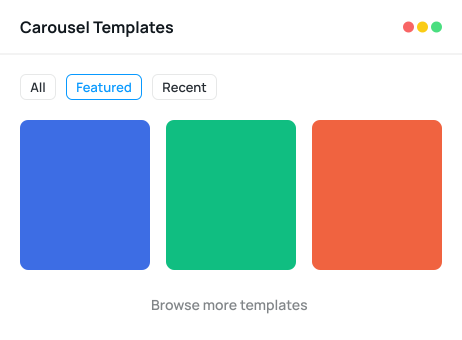
Not all templates are created equally, so why settle for low? Use our advanced Instagram carousel generator to customize the texts, images, and layout as per your business needs.
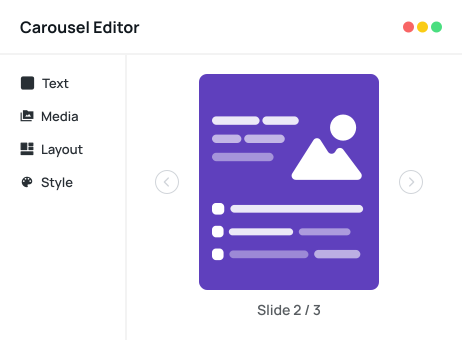
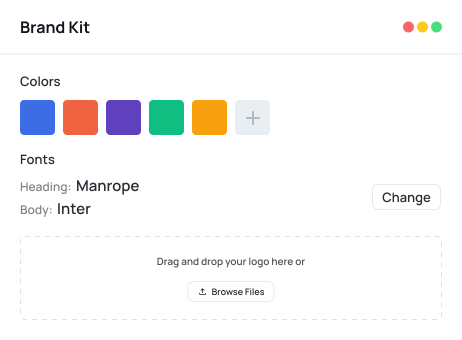
Save your logo, colors, and fonts once and apply them to every slide in a click, so your Instagram grid looks like one brand, post after post.
Connect your Instagram Business or Creator account through the official Instagram API, then publish your carousel now or schedule it for later. No downloads, no re-uploading slides one by one.
Creators, marketers, and founders turning ideas, videos, and PDFs into scroll-stopping carousels.
Paste a URL and the AI pulls the hooks and takeaways into swipeable slides your followers save and share.
Turn a lesson, framework, or checklist into a step-by-step carousel that people come back to.
Walk through features, before-and-afters, and reviews, then close with a product or shop-link slide.
Pick a template, add your brand kit, and schedule a week of carousels in one sitting.
Switch brand kits in one click and keep every client's grid on-brand across dozens of posts a week.
Drop a blog URL and get a short, punchy carousel that sends readers back to the full post.
Upload a PDF, PowerPoint, or Word file and the key points come back as a ready-to-post carousel.
Share what's new with screenshots and a clear call to action, without opening a design tool.
Pull the best Reddit threads and discussions into Instagram carousels that start conversations in the comments.
Create professional Instagram carousels in 5 simple steps with Carousify's AI carousel generator. No design experience needed.
Explore our collections of professional Instagram templates. Select the one that matches your brand and style.
Everything you need to know about Carousify's free AI Instagram carousel maker.
Carousify is built for Instagram carousels: its AI writes the slides from an idea, video, or file, the editor sizes them for the feed, and it publishes or schedules them straight to Instagram through the official API. Generic design tools give you a blank canvas; Carousify does the writing, design, and posting in one place.
Use 1080 × 1350 px (4:5 portrait), 1080 × 1440 px (3:4, the tallest option), or 1080 × 1080 px (1:1 square). Instagram crops every slide to the shape of the first one, so keep one size for the whole carousel. Carousify sets this up for you.
Instagram allows up to 20 slides per carousel. Carousify's AI can build carousels from 3 to 20 slides, and most educational carousels work best at 6 to 10.
Yes. Paste a YouTube, blog, or Reddit link, or upload a PDF, PowerPoint, Word, text, or Markdown file up to 10 MB. Carousify pulls out the key points and builds ready-to-post slides.
Yes. Connect an Instagram Business or Creator account through Instagram's official login, then publish right away or schedule for later. Carousify is an approved Meta Tech Provider, so you never share your Instagram password.
A brand kit saves your logo, colors, and fonts so every Instagram carousel stays on-brand. One click applies your full brand identity across all slides, which keeps your grid consistent.
Yes. Alongside your slides, Carousify's AI helps you write scroll-stopping hooks, captions, and relevant hashtags so your carousel is ready to publish, not just designed.
Carousify offers a free plan that lets you create and download Instagram carousels at no cost. Paid plans unlock premium templates, brand kits, team collaboration, and AI-powered content generation.
Kick off your Instagram and LinkedIn personal branding journey. Let Carousify be your guide to stand out and shine!
Pick from professionally designed carousel templates. Swap colors, fonts, and branding — publish in minutes.