
LinkedIn Post Formatter
Format your LinkedIn post like a PRO with Carousify’s LinkedIn Post Formatter. Use this FREE tool to improve your post's format, readability, and overall engagement.
0 characters
0 words


Powered by Carousify's advanced WYSIWYG editor.
What is LinkedIn Post Formatter?
LinkedIn Post Formatter is a FREE tool offered by Carousify to help people create well-structured, readable, and engaging LinkedIn posts. Simply share your content, and we’ll show you the preview on LinkedIn along with options to format your posts instantly.
This tool is perfect for content creators, professionals, and anyone who requires proper formatting for their LinkedIn posts to drive better engagement and visibility.
Magic Formatter ✨
Transform your text into engaging content
Post Preview
🚀 Excited to share my latest project on AI-driven marketing strategies!
Key Highlights:
- Increased lead generation by 30%
- Optimized ad spend with data analytics
- Enhanced customer engagement through personalization
#AIMarketing #DigitalTransformation #GrowthHacking
Benefits of Using LinkedIn Post Formatter
Our LinkedIn Post Formatter can be used by anyone looking to boost their LinkedIn presence. Here are some benefits of using it:
- Visualize how your posts will look on LinkedIn before publishing.
- Format your text with 𝐛𝐨𝐥𝐝 and 𝑖𝑡𝑎𝑙𝑖𝑐 styles that LinkedIn actually supports.
- Break long text into readable chunks for better engagement.
- Enhance professionalism with clean and structured formatting.
How Does it Work?
Using Carousify’s LinkedIn Post Formatter is super simple and requires only a few steps:
- Paste your content into our tool’s content box.
- Break your content into multiple paragraphs or sections for readability.
- Apply formatting like bold, italic, listicles, or numbers where needed.
- Upload images, videos, or carousels to preview how your post will look on LinkedIn.
- Copy the formatted text and publish it directly on LinkedIn.
What Else We Offer
Creating headlines isn’t the only thing Carousify can do - here are some incredible features where Carousify excels!
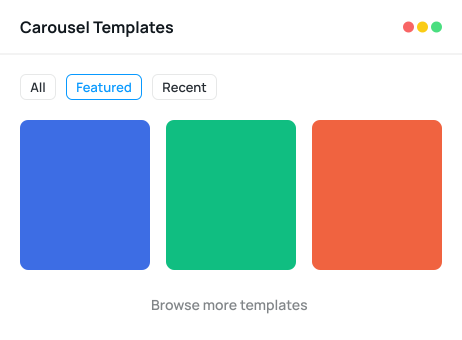
- 1LinkedIn Carousel Builder
World's First LinkedIn Optimized Carousel Builder
Design carousels that'll surely attract your audience and leave a lasting impression with world’s first LinkedIn-optimized carousel builder.
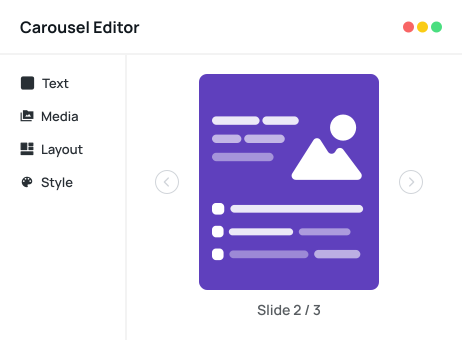
- 2ADVANCED ANALYTICS
We Help You Know Your Audience Better
Finding it hard to understand your audience? With our analytics, get deeper insights into the interests of your audience to create posts that help you connect with them.
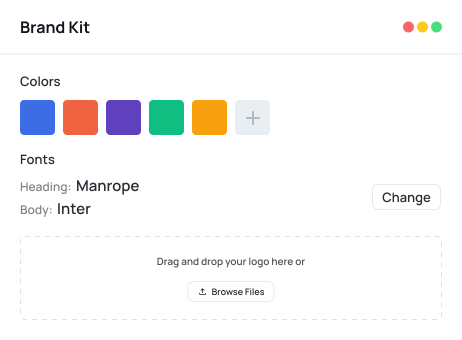
- 3Team Collaboration
Workflow for Seamless Team Collaboration
Collaborating with your team has never been easier! Now you can add your team members and clients to create, validate, approve, and schedule posts without any delay or confusion.
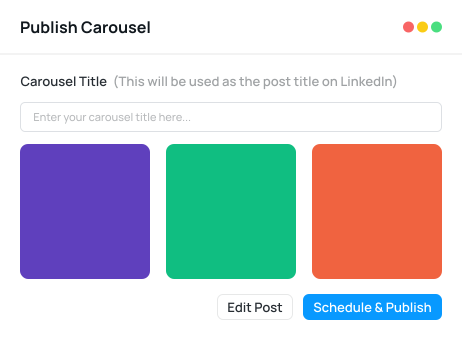
- 4SEAMLESS PUBLISHING
Schedule and Publish Posts Smartly at Best Timings
Struggling to find the best time to post on LinkedIn? Carousify’s SMART AI will automatically find the best time to publish your post, ensuring maximum visibility and a wider reach.
Explore Our FREE Tools
Explore the list of powerful yet FREE LinkedIn tools that we have created for our beloved LinkedIn community.
LinkedIn Carousel Generator
Create STUNNING carousels for LinkedIn with our professionally curated templates.
Instagram Carousel Maker
Make Instagram carousels with AI, sized for the feed, then publish or schedule them to Instagram.
LinkedIn Headline Generator
Stand out from the crowd with our catchy LinkedIn headlines in seconds.
LinkedIn Post Formatter
Tired of unformatted Linkedin posts? Format your LinkedIn posts for better readability with us.
LinkedIn Summary Generator
Generate professional LinkedIn summary that highlight your skills and impress your audience.
LinkedIn Post Generator
Generate creative & engaging posts for your LinkedIn profile in seconds with our SMART AI.
LinkedIn Post Preview
Get a preview of how your LinkedIn post will appear on various devices before publishing.
LinkedIn QR Code Generator
Instantly create QR code of your LinkedIn profile to share it with friends & colleagues.
LinkedIn Hashtag Generator
Easily find relevant / trendy hashtags for your LinkedIn post for better engagement & visibility.
More Tools Coming Soon!
Stay tuned for INCREDIBLE LinkedIn tools that will help you with your LinkedIn journey.
Frequently Asked Questions
Here are some common questions related to LinkedIn Post Formatter. If you have any question, feel free to reach out to us.
How does LinkedIn post formatter work?
LinkedIn post formatter uses a unique type of Unicode to format your posts with bold, italic, underline, and more. These Unicode styles are supported on LinkedIn and can make your posts look more professional and engaging.
How can this tool help me with my content creation work?
This tool is specially designed for content creators. If you’re a content creator, you can paste your unformatted content and use our advanced WYSIWYG-based editor to reformat your posts for better readability and presentation.
How many LinkedIn posts can I format for FREE?
You can format and re-format your posts unlimited times with our tool. There’s no restriction or limitation for using it.
Will the formatted posts work on LinkedIn?
Yes, formatted posts using our tool work perfectly on LinkedIn. In fact, they usually perform 2–3x better than poorly formatted posts, making them more engaging and professional.
Why does formatting posts matter on LinkedIn?
While formatting isn’t mandatory, having a clean and structured format makes your posts much easier to read and look more professional. Well-formatted posts often achieve higher engagement and visibility.
Can I use this tool to format LinkedIn articles?
Yes, you can. However, it’s not recommended to use Unicode-based formatting for articles since LinkedIn already provides rich formatting options for them.