

Instagram carousels are the best-performing format on the app right now.
Socialinsider's 2026 data puts them at the top for organic engagement — ahead of Reels. Single-image posts keep sliding, down 17% year over year.
And carousels win the metric that compounds: saves. They earn the highest save rate of any format, and saves are what keep your post in the feed days after you publish.
Here is the honest catch, though. Building them by hand is a grind.
You fight the 1080×1350 (4:5) sizing. You line up fonts across ten slides. You keep colours on-brand and export clean files — then do it all again next week. By slide six, you are cutting corners.
A good Instagram carousel generator removes that grind. It writes the slide copy, lays out the design, locks your brand colours, and hands you export-ready files in minutes.
We compared the eight worth your time in 2026 — with honest pros, cons, pricing, and the right pick for you.
Short on time? Use Carousify. It writes your slides, styles them to your brand, and posts to both Instagram and LinkedIn for you. The fastest route from blank page to published.
What makes a good Instagram carousel generator?
Before the list, here is what we actually weighed. Not every tool needs all of these — but the gap between a great carousel tool and a generic design app usually shows up here.
- AI that writes the slides — turns a topic, link, or video into structured slide-by-slide copy, not just a blank canvas.
- Native Instagram sizing — 1080×1350 portrait (4:5) and 1080×1080 square, without manual resizing.
- Brand consistency — a brand kit for fonts, colours, and logos so every deck looks like you.
- Clean export or direct publishing — watermark-free image sets, plus scheduling where possible.
- Speed — first draft in minutes, because the whole point is to ship more often.
Instagram carousel generators compared at a glance
| Tool | Best for | AI slide writing | Free plan |
|---|---|---|---|
| Carousify | On-brand decks for Instagram + LinkedIn | Yes (Smart Carousel) | No |
| Canva | Full manual design control | Carousel Studio | Yes |
| Predis.ai | Hands-off AI + direct IG scheduling | Yes | Yes |
| PostNitro | Budget AI carousels, multi-platform | Yes | Limited |
| ContentDrips | Branded carousels at volume | Yes | 3 carousels free |
| Piktochart | Data-led, educational decks | Yes | 60 credits/mo |
| Adobe Express | Adobe-grade assets, free | Firefly AI | Yes |
| Visme | Brand teams + data visuals | Yes | Limited |
Pricing reflects publicly listed plans at the time of writing and can change — always check the tool's own pricing page before buying.
1. Carousify — best for on-brand decks you post everywhere
Carousify is more than a carousel maker. It is a full content platform — AI carousels, an AI post generator, scheduling, and team workspaces in one place. For Instagram, the carousel builder is the star of the show.
It splits the two hard parts cleanly. Start from one of 40+ templates — or lay out a few slides yourself — and Smart Carousel writes the copy onto that design from a topic, article, YouTube video, or PDF. The words are AI; the design is yours — so it never looks like a generic AI carousel.
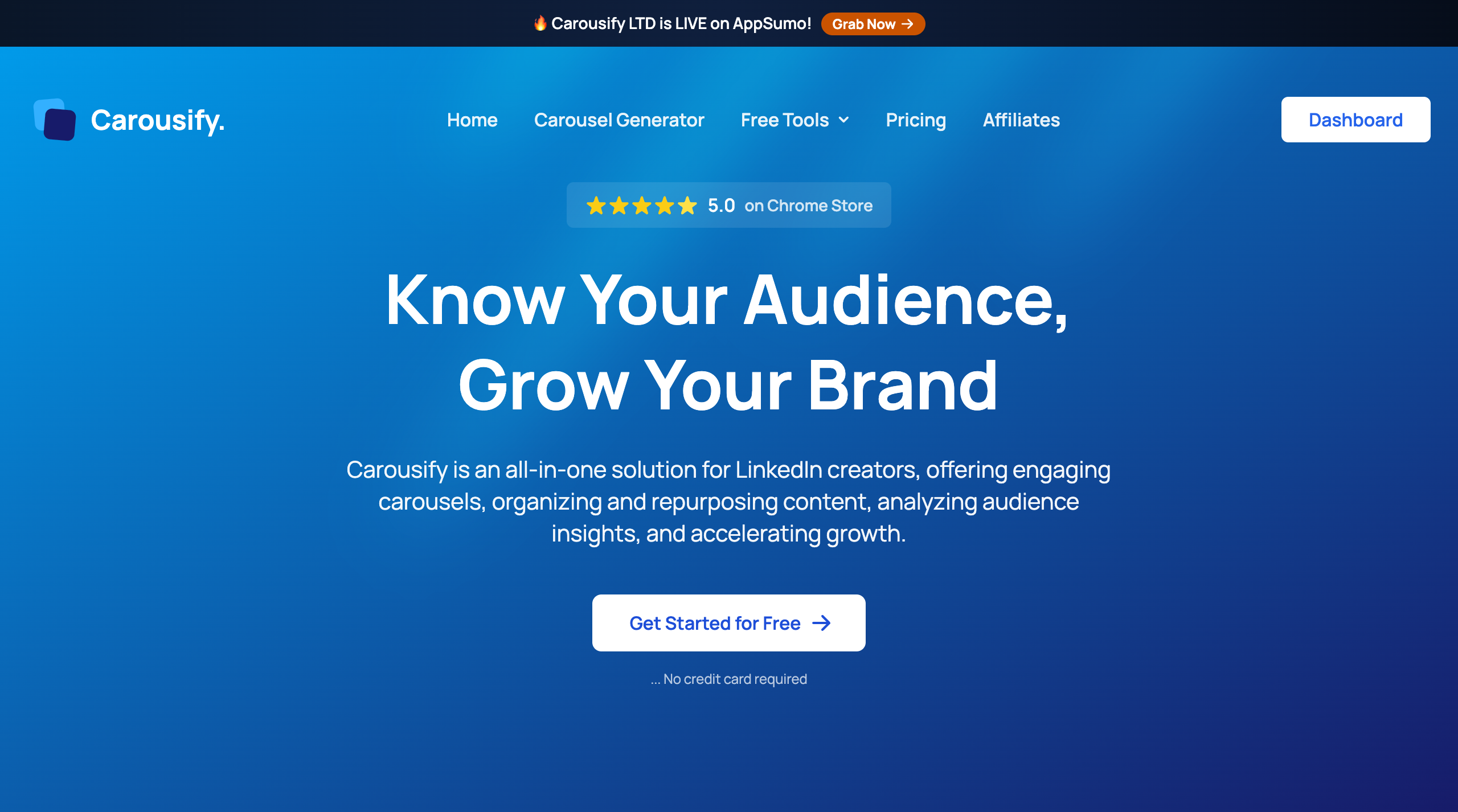
Carousify pairs an AI carousel writer with a full design editor and a workspace-level Brand Kit.
What lands it at number one is consistency. You can set your Brand Kit once and every deck inherits your fonts, colours, and logo. Flip between 4:5 and 1:1 in a click, then publish straight to Instagram and LinkedIn — or export a clean PDF or PNG set. One build, both platforms, no copy-paste detour.
What Carousify does well
- Smart Carousel AI writes slide-by-slide copy from a topic, article URL, YouTube video, or PDF.
- Brand Kit applies your logo, fonts, and colours to the whole deck in one click.
- 40+ templates plus community designs, or build from a blank canvas.
- Built-in AI image generator and Unsplash search inside the editor.
- One-click switch between 4:5 portrait and 1:1 square — Instagram-native ratios.
- Direct publishing and scheduling to both Instagram and LinkedIn.
- Watermark-free PDF and PNG export when you want the files in hand.
- Auto-plug comments and team workspaces for agencies.
Where Carousify falls short
- No free tier — the core features need an active subscription.
- Focused on social carousels and posts, not a general-purpose design suite like Canva.
Pricing: Paid tiers — Hobby, Startup, Business, and Enterprise — that scale AI words, connected accounts, workspaces, and approval workflows. See the Carousify pricing page for current limits.
Best for: creators and agencies who want polished, on-brand carousels in minutes and repurpose the same deck across Instagram and LinkedIn.
Our take: If your carousels need to look like your brand every single time — and you are publishing on more than one network — Carousify is the most complete pick on this list. The Brand Kit alone saves the half hour you currently lose to re-picking fonts. New to the format? Start with our guide on how to create carousel posts that actually get engagement.
2. Canva — best for full design control
Canva is the default for a reason. Thousands of editable Instagram carousel templates, drag-and-drop everything, and a Carousel Studio app that spins up a multi-slide deck from a prompt. If you want pixel-level control over every element, nothing beats the canvas.
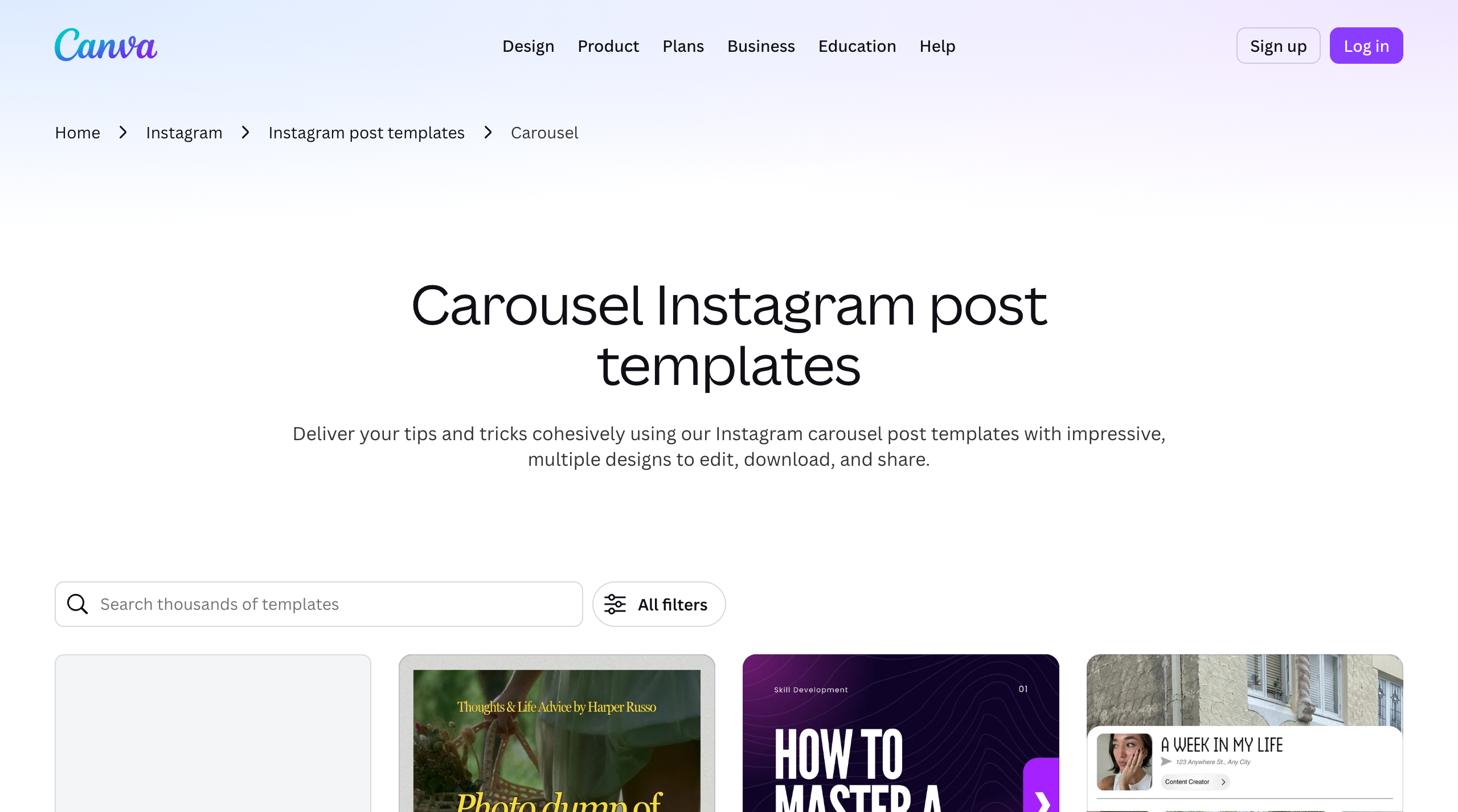
Canva's Instagram carousel template gallery is huge — the trade-off is that none of it is carousel-first.
The catch is that Canva is a general design app, not a carousel engine. The AI copy tends to be generic, you manage slide sizing and export yourself, and there is no Instagram scheduling on the free plan. It is brilliant raw material — it just leaves more assembly to you.
What Canva does well
- Enormous library of free, editable Instagram carousel templates.
- Full creative control over layout, type, and imagery.
- Carousel Studio and Magic Design speed up first drafts.
- Genuinely useful free tier.
Where Canva falls short
- Not built specifically for carousels — more manual setup per deck.
- AI-generated slide copy is generic and needs rewriting.
- No brand-locked carousel automation; consistency is on you.
Pricing: Free plan; Canva Pro around $15/month.
Best for: designers and creators who want maximum control and already work inside Canva.
3. Predis.ai — best for hands-off AI and direct Instagram scheduling
Predis.ai is the most "set it and forget it" option here. Give it a prompt and it generates the carousel slides, the caption, and the hashtags together — then schedules and publishes straight to your Instagram account. It also bolts on competitor analysis and a content calendar.
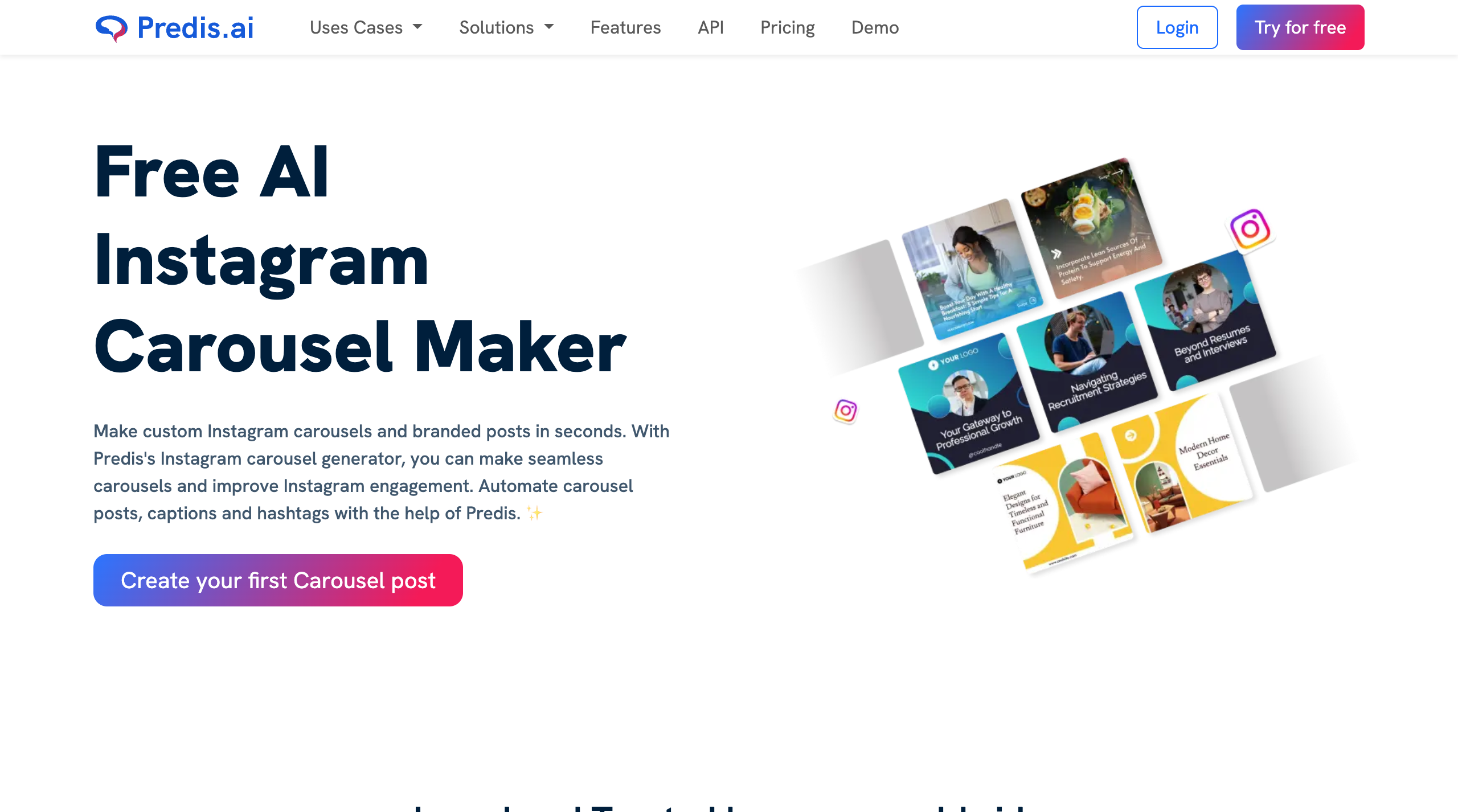
Predis.ai generates the slides, caption, and hashtags, then publishes directly to Instagram.
If your priority is volume and you are happy to let AI drive most of the design, Predis moves fast. The trade-off is design control: output can look templated, and fine-tuning layouts is more limited than a true editor like Canva or Carousify.
What Predis.ai does well
- Generates slides, captions, and hashtags from a single prompt.
- Direct Instagram publishing and scheduling built in.
- Competitor analysis and content ideas in the same dashboard.
Where Predis.ai falls short
- Limited fine design control; output can feel templated.
- The best features sit behind the paid tiers.
Pricing: Free plan available; paid plans start around $32/month.
Best for: solo creators and small teams who want AI to handle generation and posting.
4. PostNitro — best budget AI carousel maker
PostNitro turns text, a URL, or a thread into a polished multi-slide carousel for Instagram, LinkedIn, TikTok, and Threads. It is one of the cheapest serious AI carousel tools, and even the entry plan exports without a watermark.
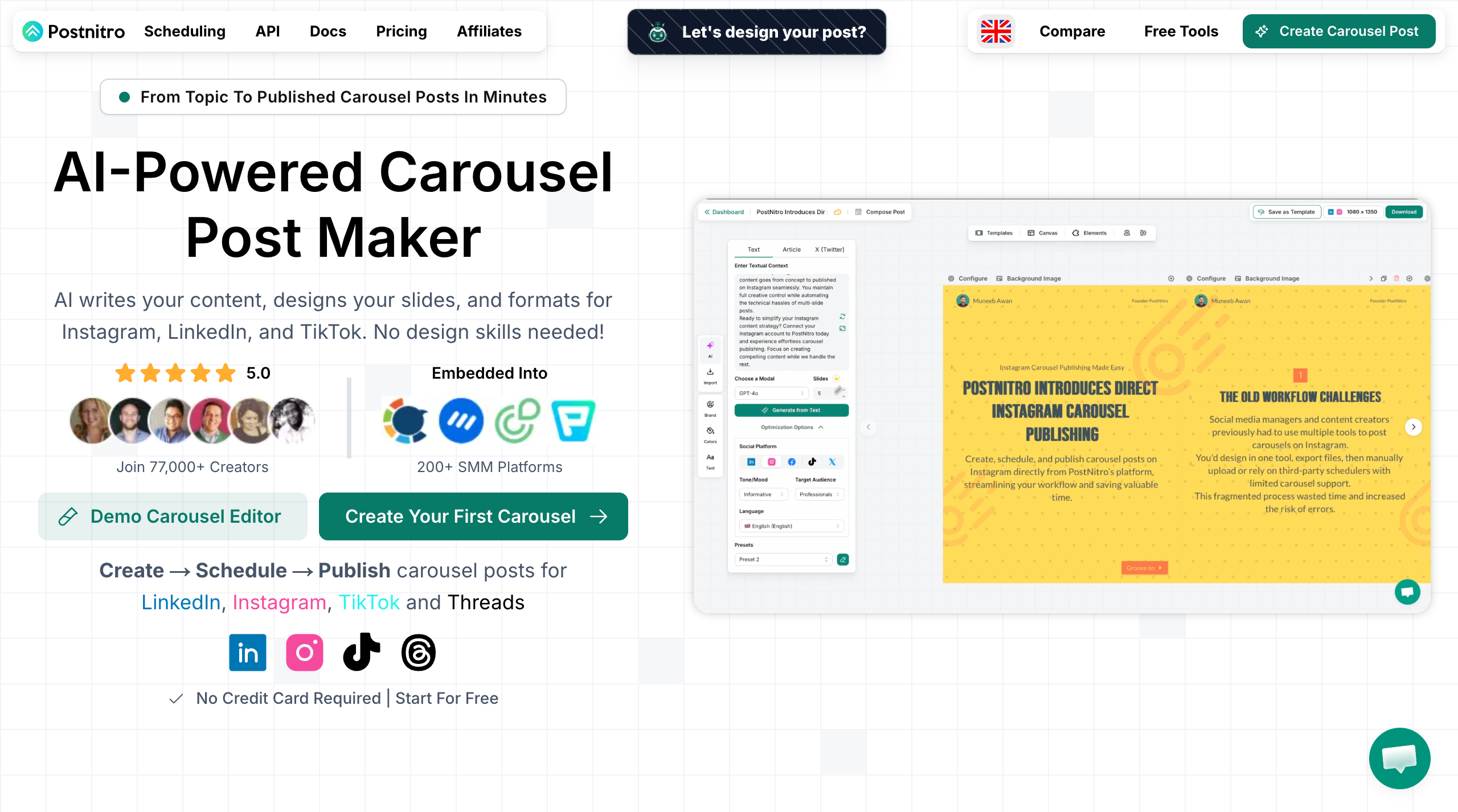
PostNitro generates carousels for Instagram, LinkedIn, TikTok, and Threads from a single input.
It is lean by design. The editor is lighter than Canva or Carousify, and lower tiers cap slide counts and downloads. But for the price, the AI-to-export workflow is hard to beat — and scheduling unlocks on the next tier up.
What PostNitro does well
- AI builds full carousels from text, URLs, or Twitter/X threads.
- Watermark-free exports even on the entry plan.
- Covers Instagram, LinkedIn, TikTok, and Threads formats.
- Among the lowest starting prices on this list.
Where PostNitro falls short
- Lighter design editor than the heavyweight tools.
- Slide and download caps on the cheapest tier.
Pricing: Starter around $10/month; scheduling on the Creator plan (~$20/month).
Best for: budget-conscious creators who post carousels across several platforms.
5. ContentDrips — best for branded carousels at volume
ContentDrips leans into one promise: do the heavy lifting. Drop in a topic, article, or YouTube video and it returns a fully designed, branded carousel in about three minutes — built for Instagram, LinkedIn, and more.
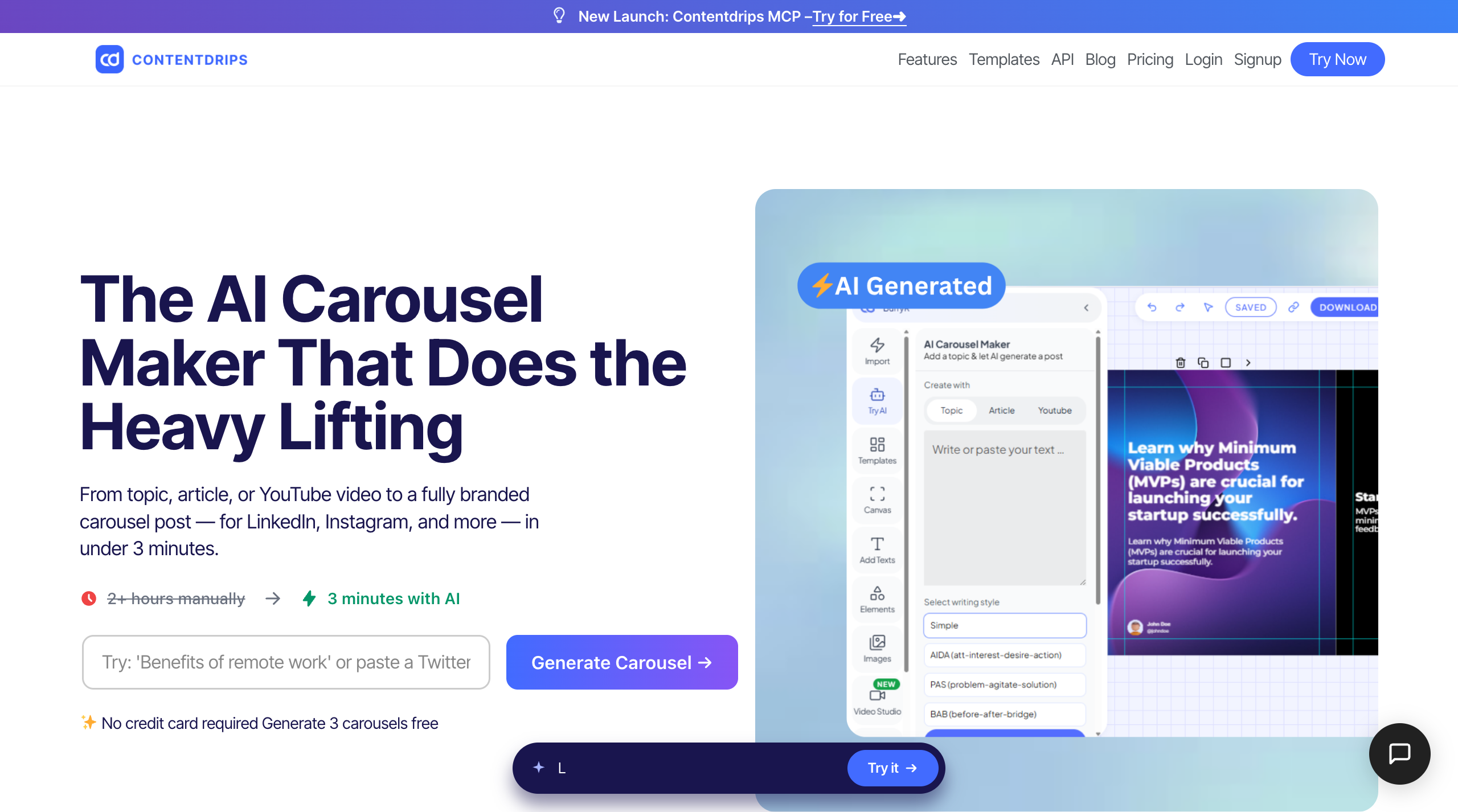
ContentDrips turns a topic or URL into a branded carousel in minutes.
It shines when you are producing carousels in bulk for clients and need them to stay on-brand. The interface has a small learning curve, and the best value comes on annual billing — but the free plan is generous enough to test the full workflow.
What ContentDrips does well
- Topic, article, or YouTube link to a finished branded deck fast.
- Branding strip and templates designed for repeatable output.
- Generous free plan — a few full carousels at no cost.
Where ContentDrips falls short
- Interface takes a little learning.
- Best pricing is locked to annual billing.
Pricing: Free plan (a few carousels); paid from around $15/month.
Best for: agencies and creators pushing high carousel volume that must stay on-brand.
6. Piktochart — best for data-led, educational carousels
Piktochart comes from the infographic world, and it shows. Its AI Instagram Carousel Generator turns a product launch, tutorial outline, or listicle idea into an editable visual draft — and the forever-free plan includes 60 AI credits a month.
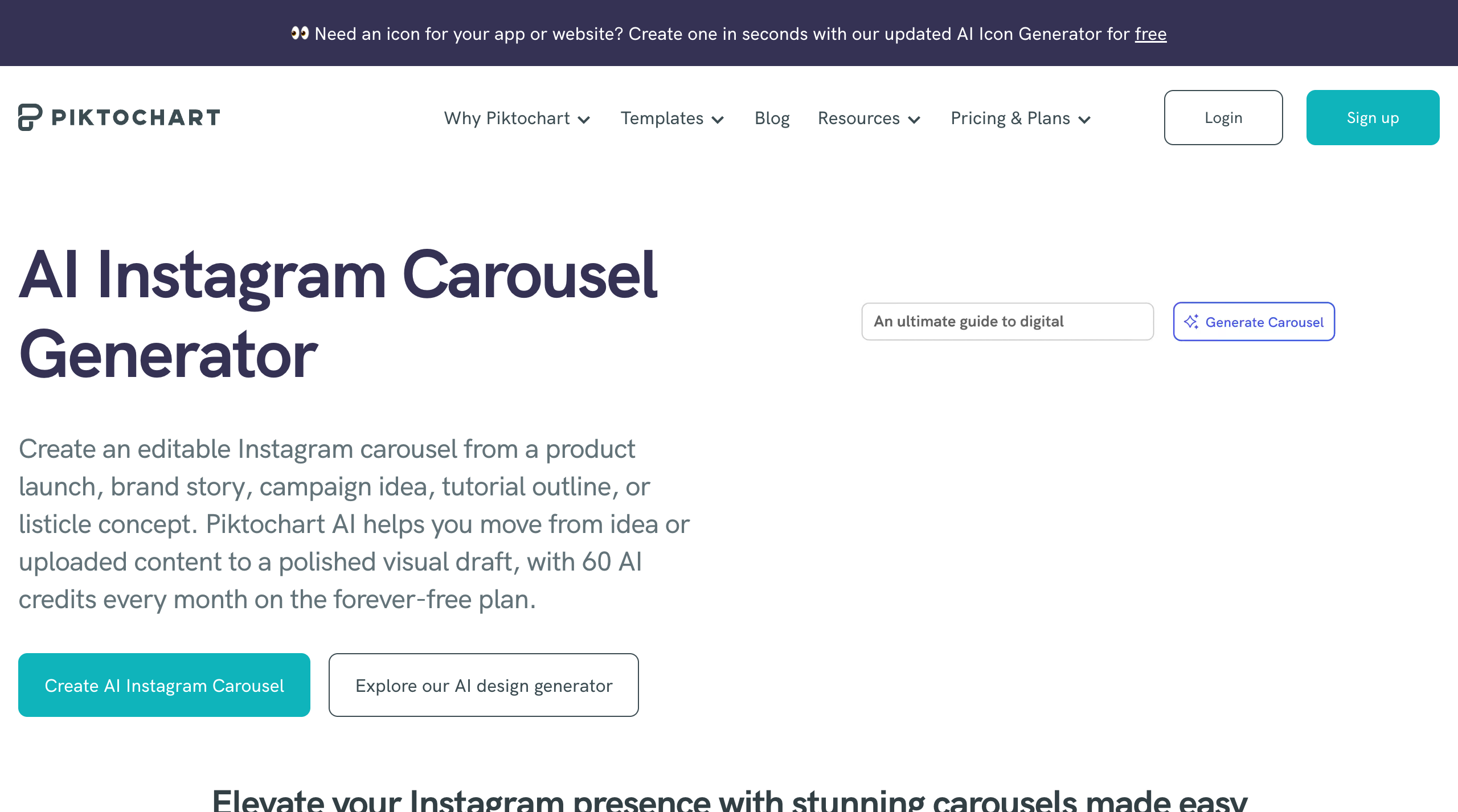
Piktochart's infographic roots make it strong for data-heavy, educational carousels.
If your carousels explain things — stats, frameworks, step-by-steps — Piktochart's layouts do that cleanly. It is less suited to lifestyle or visual-first brand content, where the template range feels more limited than the social-native tools.
What Piktochart does well
- AI generates editable carousels from a topic or uploaded content.
- Excellent for data, charts, and educational frameworks.
- Forever-free plan with 60 AI credits per month.
Where Piktochart falls short
- More infographic than social-native; fewer lifestyle templates.
- Credit limits on the free plan cap heavy use.
Pricing: Free plan with 60 monthly AI credits; paid tiers for more.
Best for: educators, analysts, and B2B creators making explainer carousels.
7. Adobe Express — best free Adobe-grade option
Adobe Express brings professional-grade templates, a brand kit, and Firefly AI image generation into a free, browser-based tool. It exports at Instagram sizes and includes a built-in content scheduler, so you can plan posts without leaving the app.
For a free product, the asset quality is excellent. The downside is that it is heavier than the lightweight carousel tools, it nudges you toward an Adobe account and the wider Creative Cloud ecosystem, and its AI is more image-led than carousel-copy-led.
What Adobe Express does well
- Professional templates and assets on a genuinely free tier.
- Brand kit plus Firefly AI image generation.
- Built-in scheduler for planning Instagram posts.
Where Adobe Express falls short
- Heavier and busier than dedicated carousel tools.
- AI focuses on images, not slide-by-slide copy.
Pricing: Free plan; Premium around $10/month.
Best for: creators who want Adobe-quality design without paying for Creative Cloud.
8. Visme — best for brand teams and data visuals
Visme is the most "team and brand" tool on the list. It pairs carousel design with strong data-visualisation, a locked brand kit, content analytics, and interactive elements — the kind of control marketing teams ask for.
That power comes at a cost. Visme is pricier than most options here and overkill if you just want quick swipeable posts. But for brands that need every deck to match guidelines and report on performance, it earns its place.
What Visme does well
- Strong data visualisation and chart tools inside carousels.
- Locked brand kit and analytics for teams.
- Interactive and animated elements.
Where Visme falls short
- Pricier than most tools on this list.
- Overkill — and a steeper learning curve — for simple posts.
Pricing: Limited free plan; paid from around $12.25/month.
Best for: brand and marketing teams that need data visuals plus tight brand control.
What are the right Instagram carousel dimensions and slide count?
Whichever tool you choose, the format rules are the same. Get these right and your carousel takes up more screen, reads cleanly, and earns the swipe.
- Portrait, 1080×1350 (4:5) — the recommended size. It claims the most vertical space in the feed.
- Square, 1080×1080 (1:1) — a safe, classic alternative.
- Up to 20 slides — Instagram allows it, but 8–10 slides is the engagement sweet spot.
- Slide 1 is the hook — it has one job: earn the swipe.
- Last slide is the CTA — follow, save, comment, or visit the link.
Quick tip: design once at 1080×1350 and you can reuse the same deck on LinkedIn, where carousels also outperform plain posts. If LinkedIn is part of your plan, see our roundup of the 8 best LinkedIn carousel generators too.
Frequently asked questions
What is the best free Instagram carousel generator?
Canva and Adobe Express offer the strongest free design tiers, while Piktochart gives 60 AI credits a month and PostNitro keeps exports watermark-free cheaply. ContentDrips also lets you make a few full carousels for free before you commit to a plan.
Can AI write the carousel slides for me?
Yes. Carousify, Predis.ai, PostNitro, ContentDrips, and Piktochart all generate slide-by-slide copy from a topic, link, or video. You still review and refine, but the blank-canvas problem is solved in seconds.
How many slides should an Instagram carousel have?
Instagram allows up to 20 slides, but 8–10 performs best. That is enough to deliver real value and earn saves without losing people before the final call to action.
What size should an Instagram carousel be?
Use 1080×1350 pixels (4:5 portrait) for maximum feed space, or 1080×1080 (1:1 square) as a classic alternative. Keep every slide in the deck the same ratio so the swipe feels seamless.
Why do carousels get more engagement than single posts?
Carousels invite people to pause and swipe, which lifts time spent and, crucially, saves. In 2026 Socialinsider data, carousels lead Instagram engagement and earn the highest save rate, while static images keep declining.
Can I use one tool for both Instagram and LinkedIn carousels?
Yes — and you should. Carousify designs and publishes directly to both Instagram and LinkedIn, so you create once and post to each without re-exporting. PostNitro and ContentDrips also cover multiple formats. Either way, it roughly doubles your output for the same effort.
So which Instagram carousel generator should you pick?
If you want one tool that keeps every deck on-brand and lets you post to Instagram and LinkedIn from the same build, Carousify is the pick. The Smart Carousel AI and Brand Kit remove the two slowest parts of the job — writing the slides and keeping them consistent.
And because it publishes straight to both platforms, you go from idea to posted without leaving the app. The other tools each fit a narrower need — Canva if you want a free, fully manual canvas, PostNitro if price is the only thing that matters, Piktochart if your carousels are data-heavy explainers — but Carousify is the one that covers the whole workflow.
The real win is not the tool — it is shipping consistently. Carousels are the cheapest organic reach left on Instagram, and the only way to lose is to stop posting them. Pick the one that gets you from idea to published fastest, and run it weekly.
Ready to build your first deck? Try Carousify and turn a single topic into a finished carousel in minutes.